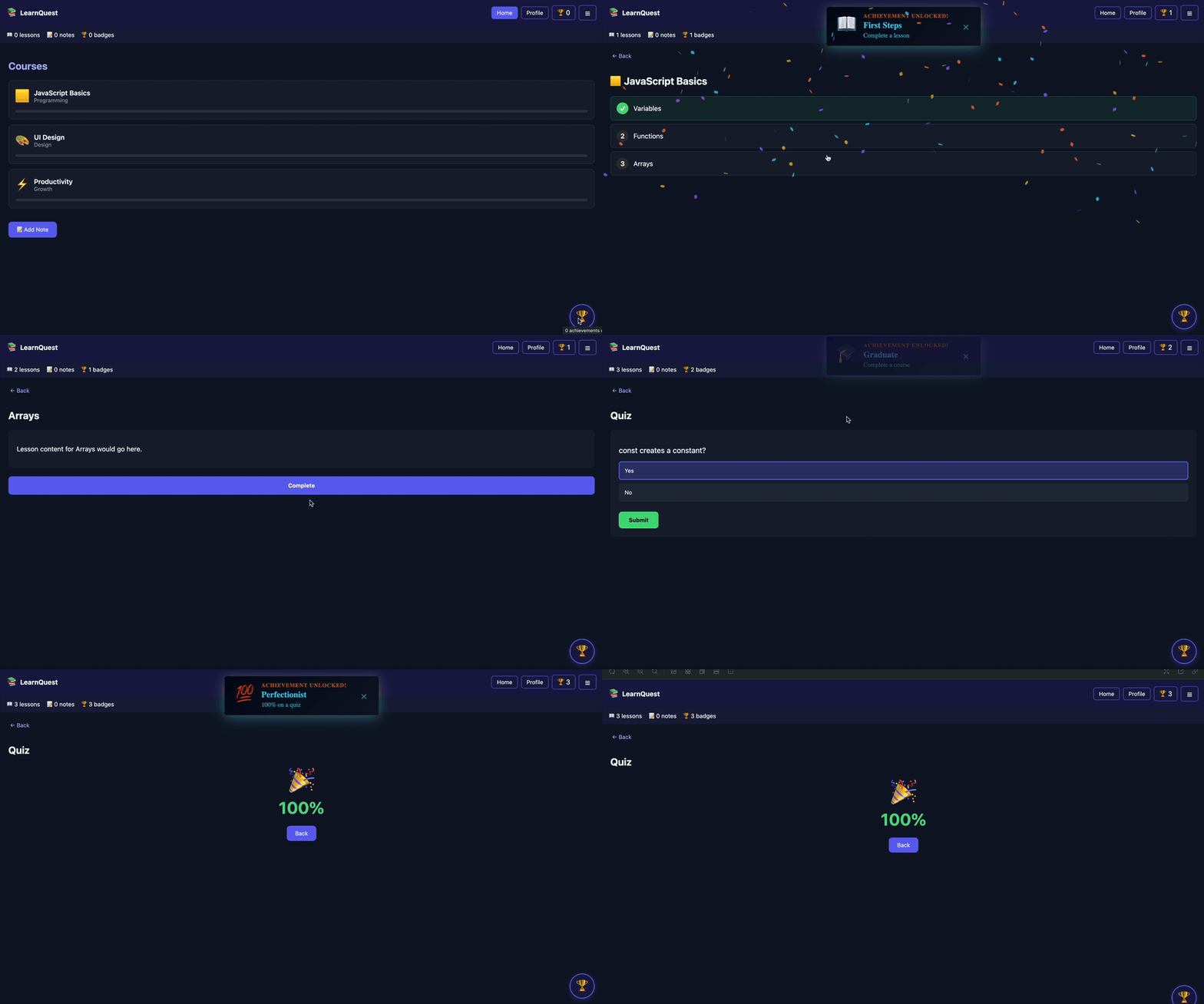
Built for real React apps
Achievement tracking, UI, and persistence in one package.
Track
Use the v4 Simple API
Define score, streak, onboarding, profile, and custom achievements in one config, then update progress with `track`, `increment`, or event-based engine calls.
Read the guideDisplay
Ship the widget or inline list
Drop in `AchievementsWidget`, open `AchievementsModal` from an existing control, or render `AchievementsList` directly inside a drawer, profile page, or dashboard.
Read the guideCustomize
Tune the achievement experience
Use compact badge grids, set modal backdrop blur, hide scrollbar chrome, theme the built-in UI, or replace notifications, modals, and confetti entirely.
Read the guideDefault integration
One provider. One widget. Built-in achievement history.
Use `AchievementsWidget` for the default badge button and modal, switch to compact square badges for dense catalogs, or open the same modal from your own drawer row, nav item, or profile menu.
<AchievementProvider achievements={achievements}>
  <Game />
  <AchievementsWidget
    density="compact"
    modalBackdropBlur={2}
    hideModalScrollbar
  />
</AchievementProvider>